
| Note: New to Group choice? Try our Group choice quick guide. |
Contents
What is Group choice?
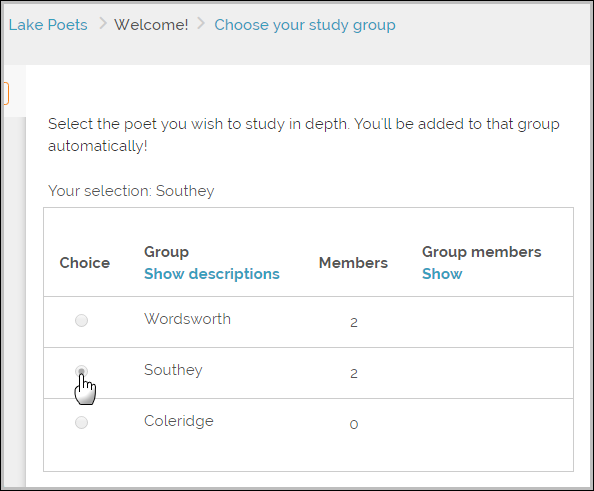
Group choice, based on the standard Choice activity, allows users to enroll themselves in a group within a course. The instructor can choose the groups offered and the maximum number of users allowed in each group.
The users can view the members of each group before making a selection, and (if the instructor allows it) change their selected group until the deadline. More than one group may be chosen if necessary.
How do I get it?
Group choice is a contributed plugin. If your site does not have this plugin then the administrator can download and install Group choice.
How do I use it?
- As an instructor, create groups in your course from Course > Participants> Groups
- With editing turned on, add a Group choice activity from the Activity chooser and complete the steps you require, noting that several of them are the same as the standard Choice.