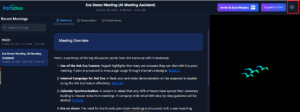
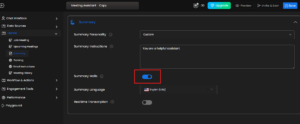
1) Summary Emails Toggle button :
Go to Free AI Meeting Assistant → Teams Module → Summary → Summary Emails.
i) Disable toggle: You won’t receive meeting summaries.
ii) Enable toggle: Meeting summaries will be emailed after each meeting
2) Settings Icon on Summary Page :
Click the ⚙️ (Settings) icon on the summary page to open the “Free AI Meeting Assistant” Edit Page