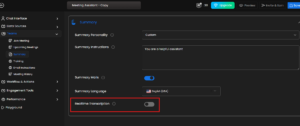
1) Real-time Transcription :
i) If disabled, transcription will not appear in chat.
ii) If enabled, live transcription appears in chat during meetings
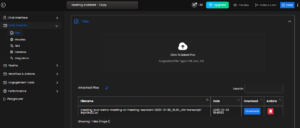
2) Data Sources → Files :
Your meeting files are stored under:
i) Free AI Meeting Assistant → Meeting Assistant-Copy → Data Sources → Files.
ii) You can view or delete meeting .txt files from here