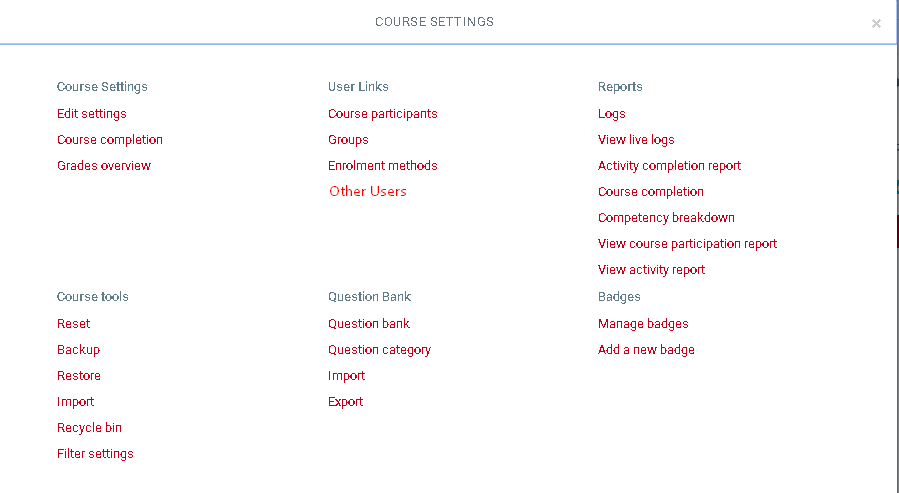
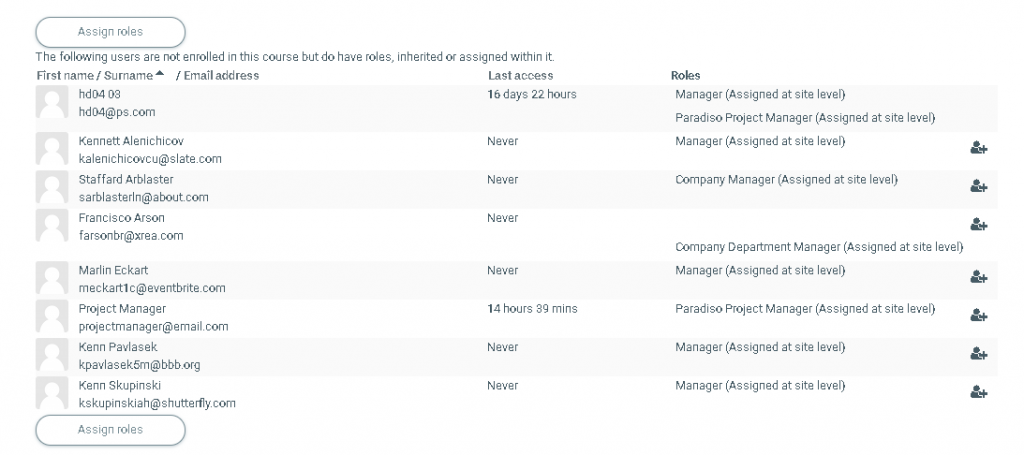
Users can be assigned a role in a course without enrolling them in Administration > Course settings > Userlinks > Other users.
This means they can carry out tasks relevant to their permissions but they don’t appear in the Participants list. An example of this would be assigning a user to a Principal, Manager or Helpdesk type role to provide them access without confusing the participants’ list.
This page also lists users who have been assigned a similar role at Site or Category level.
Note: By default, the only role which can be assigned to other users is the manager role. To enable other roles, such as teacher to be assigned, the capability lms/course:view “View courses without participation” should be allowed for the role.