
- Managing blocks
- Block settings
- Activity results
- Admin bookmarks
- Administration
- Blog menu
- Blog tags
- Calendar
- Course completion status
- Course overview
- Course/site summary
- Courses
- Feedback
- HTML
- Latest announcements
- Latest badges
- Learning plans
- Logged in user
- Main menu
- Online users
- Private files
- Quiz results
- Random glossary entry
- Recent activity
- Recent blog entries
- Remote RSS feeds
- Self-completion
- Upcoming events
- Blocks FAQ
The Upcoming events block displays events from the calendar in a summarized list.
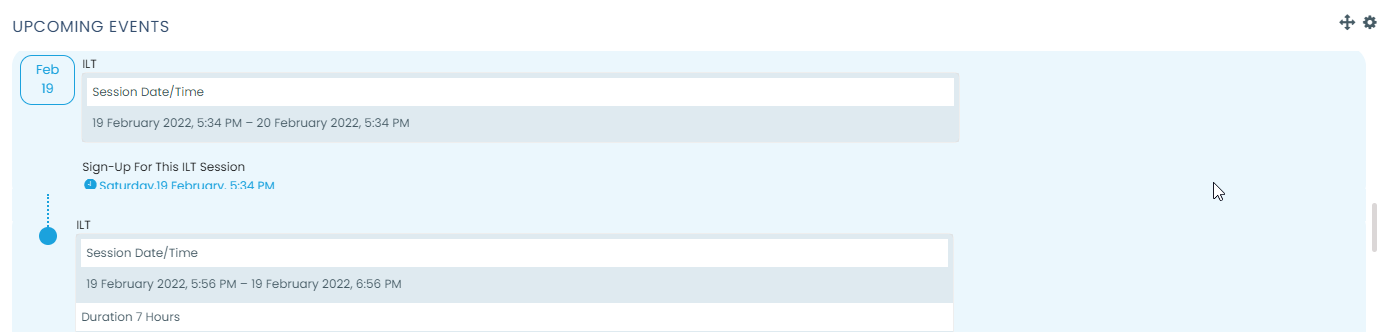
- The number of days in advance and upcoming events to be displayed are determined in Settings > Appearance > Calendar.
- Users can choose their own calendar display preferences from their Preferences page accessed from the user menu.
- There is also a link to go directly to the main calendar
- If you click on a date, you will go to the day-view calendar for that day. If the title of the event is a link, and you click on it, you will be taken to that event.