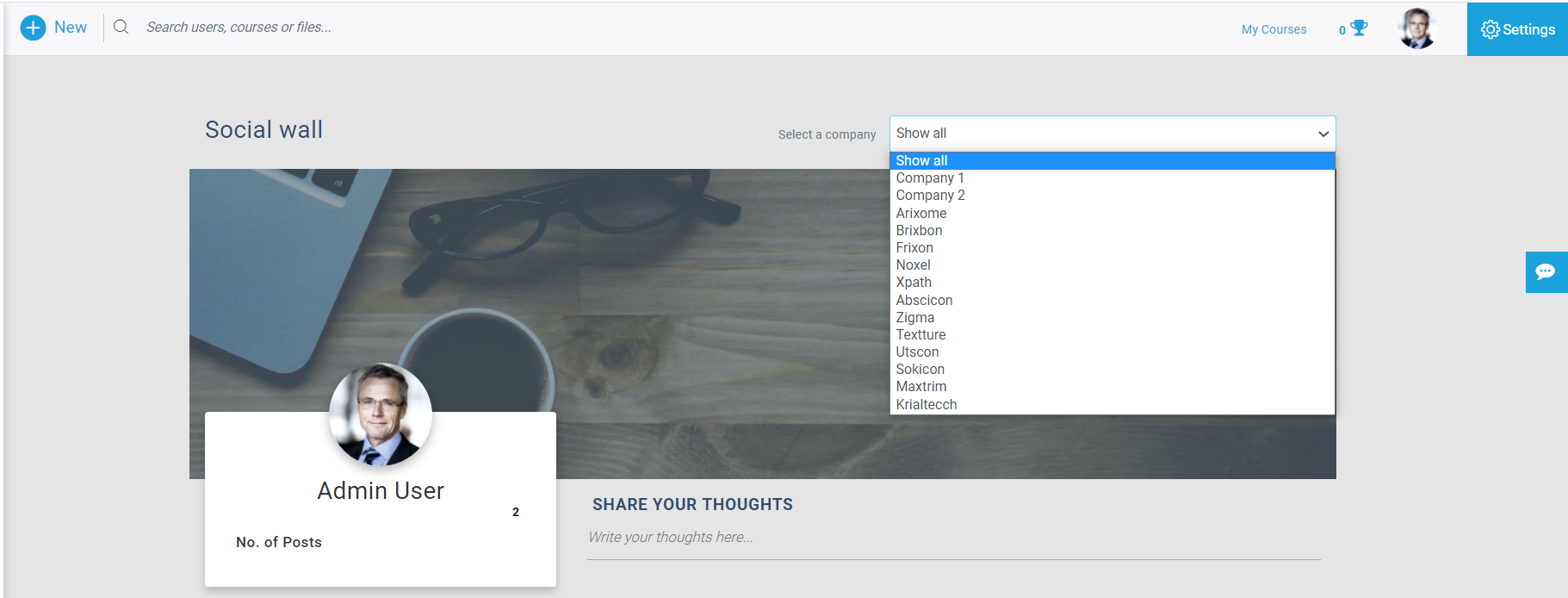
Social wall is a feature on LMS where users can share their learnings and experiences using this platform.
Users can create posts that are visible across LMS logins. Posts can be created by users, managers, and admins.
Users can add images, videos, documents, and text content with links.
The social wall helps improve communication between users across LMS.
Contents
Create Post
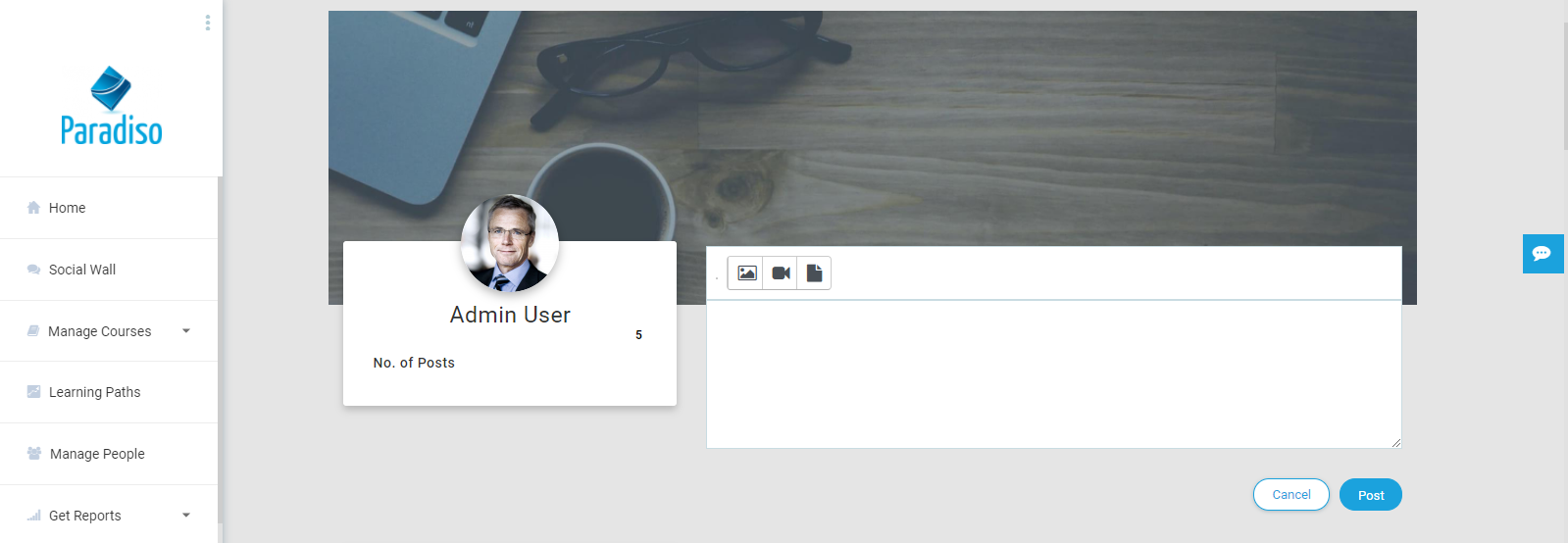
Users can create a post using the editor box.
Upload Image
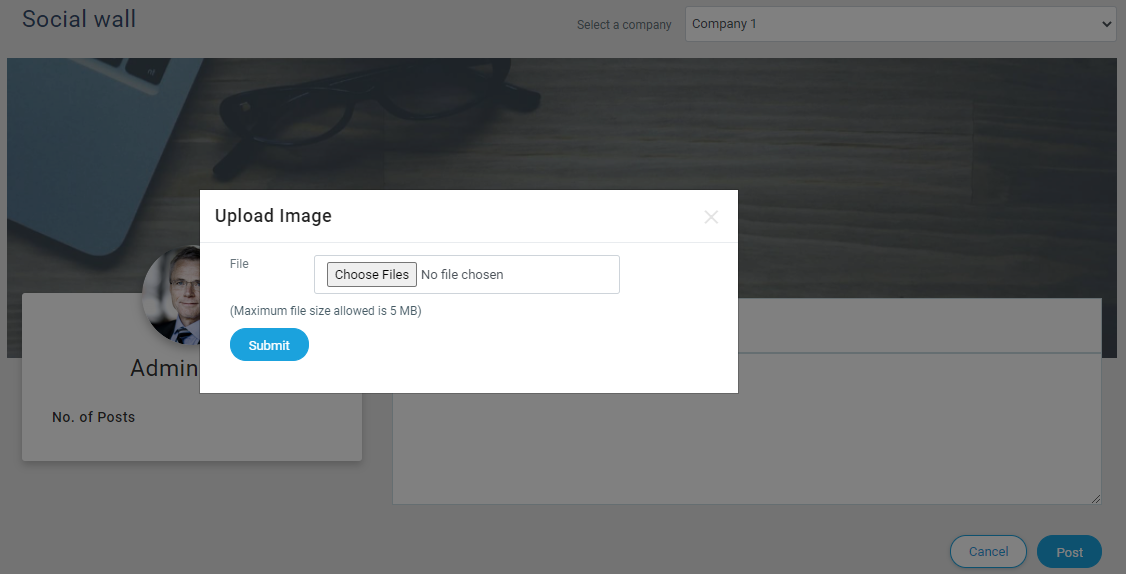
Users can upload images in the post using the upload image icon.
Upload Documents
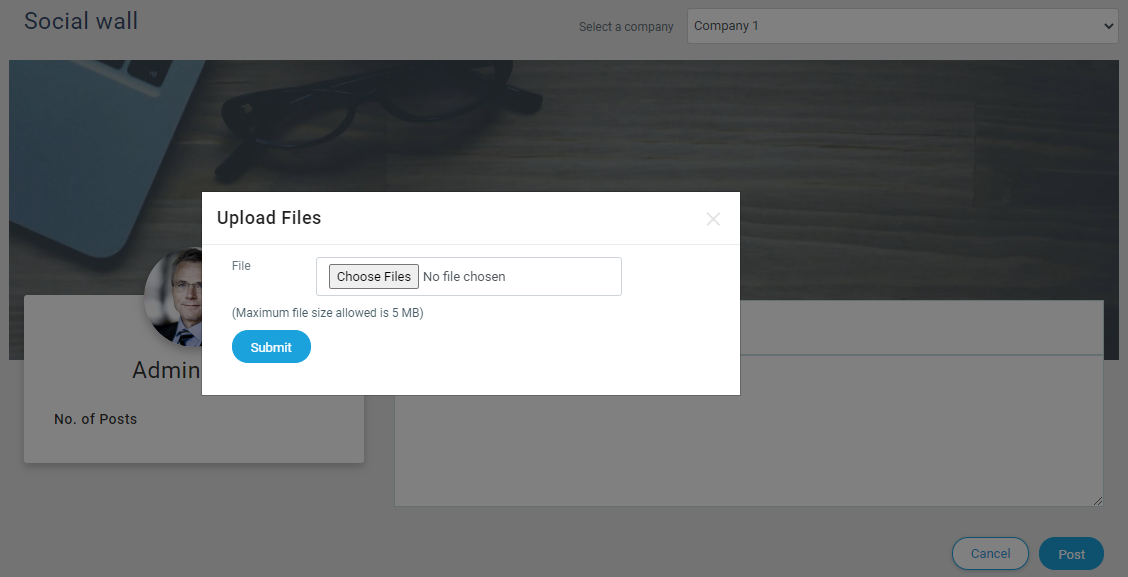
Users can upload documents like PDF, Word, and PPT files using the upload document icon.
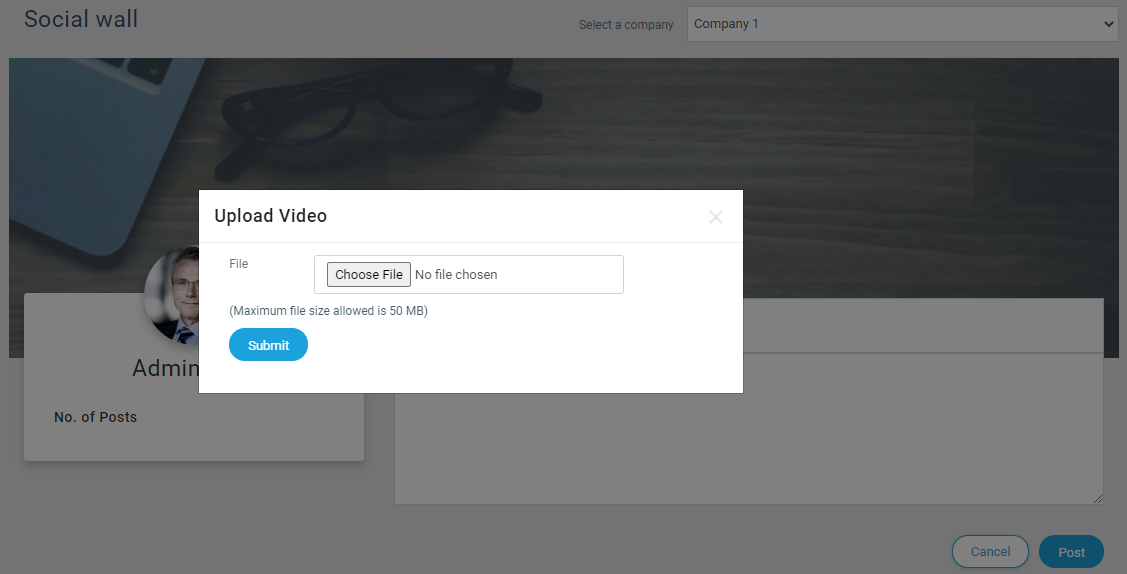
Upload Video
Users can upload video files for a better experience using the upload video icon.
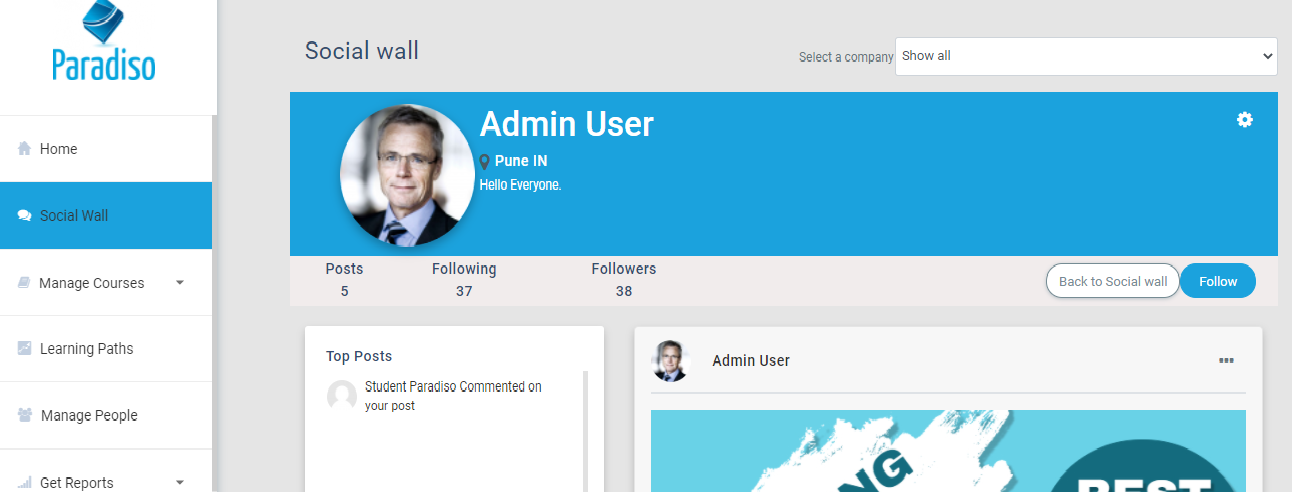
Timeline
Timeline is a space where users can find their uploaded posts, along with updates on liked and commented posts.
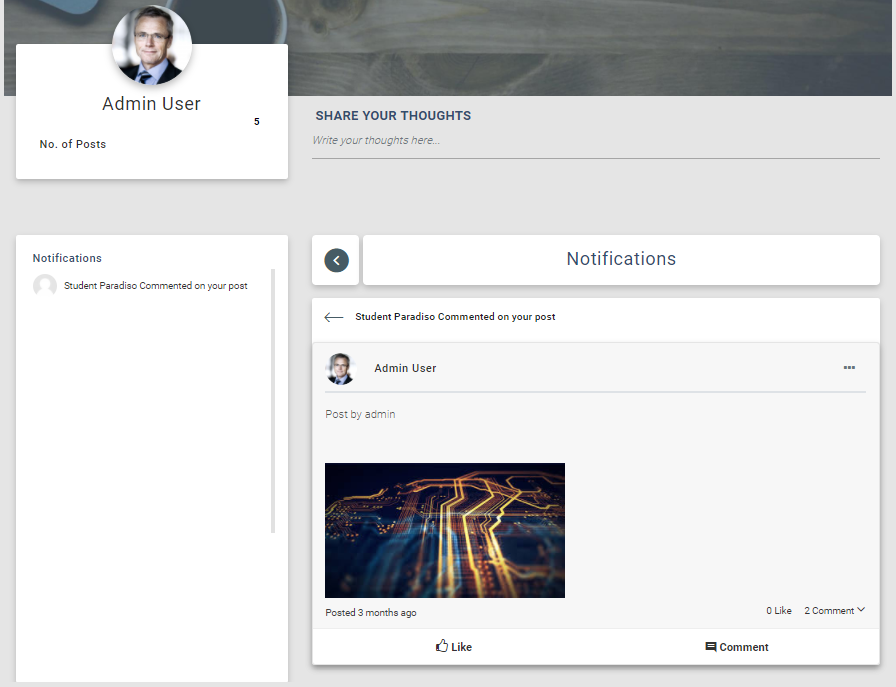
Notifications
This panel shows who liked or commented on your posts. Notifications redirect users to the specific post.
Tenant Selection
Admins can view segregated posts for different tenant users.